14 de novembro de 2026 · 5 min de leitura
Turn a photo into a video with AI: a step-by-step guide
One image is enough for an animated video shot. Here is how to pick the photo, write the prompt and set the length for a natural result.
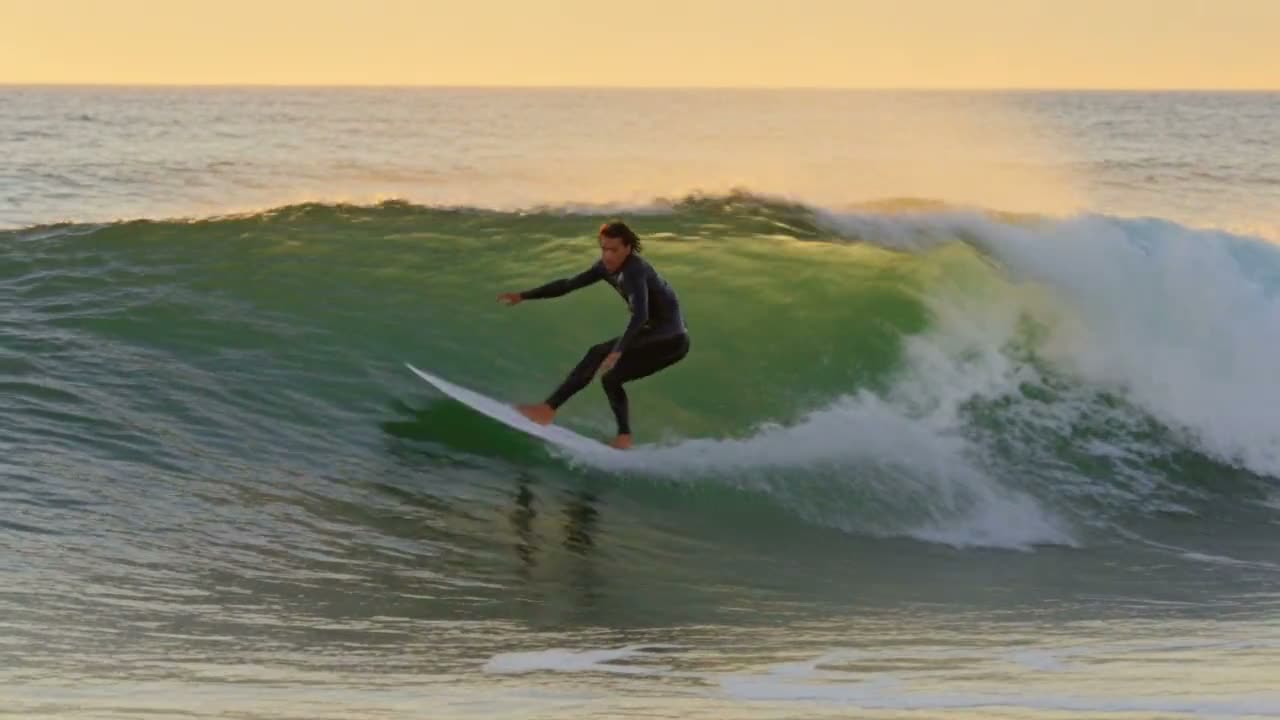
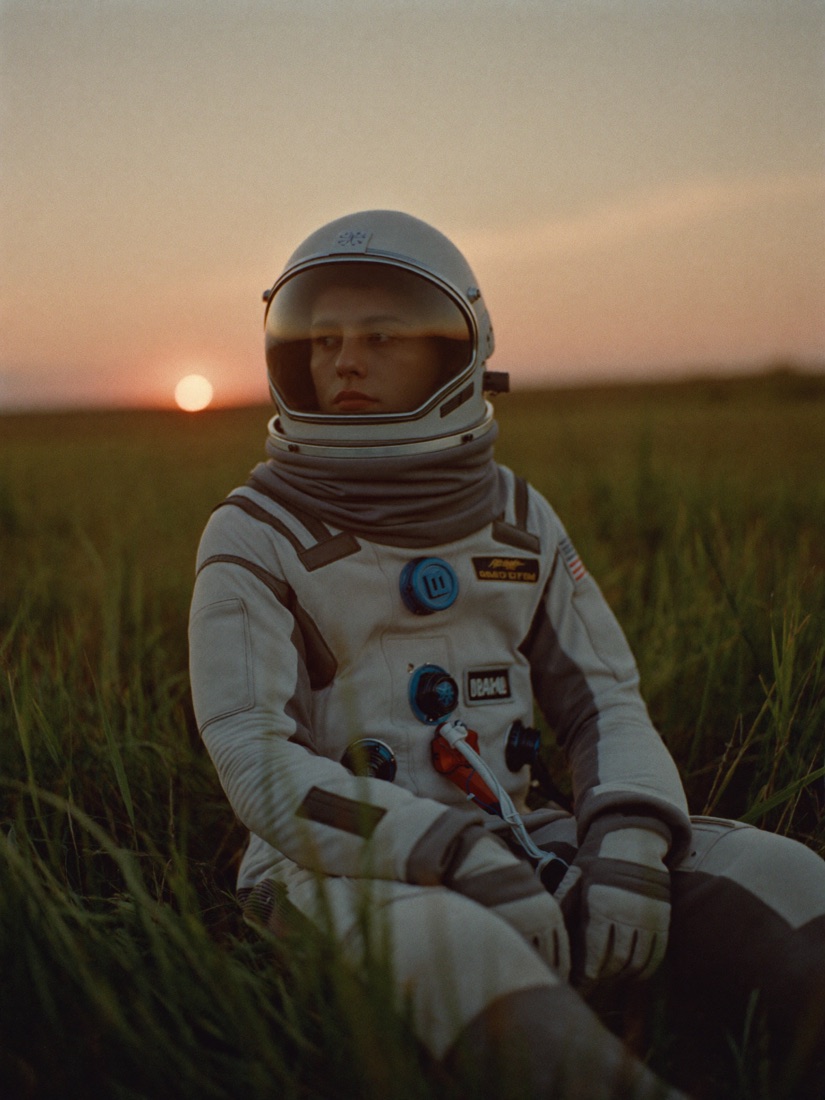
Animating a photo is the easiest way to start with AI video. You begin with an image you like (a portrait, a product, a landscape) and the model invents the motion: a head turning, hair in the wind, a camera slowly moving in. On DeepSia it takes three steps.
1. Pick the right photo
- A sharp, well-lit image with no text or logo on top.
- A subject that fills the frame: a face or a clearly visible object animates better than a small detail far away.
- The right shape from the start: vertical (9:16) for TikTok, Reels and Shorts, horizontal (16:9) for YouTube.
- No copyrighted photos and no real person without their consent.
No image yet? Create one on the Image page, then click “Animate” under the result: it goes straight to the Video page as the start image.
2. Write a motion prompt
Don't describe the photo again: the model already sees it. Describe what moves and how the camera travels. A good recipe: one action + one camera move + one mood.
- “She slowly turns her head to the camera and smiles, gentle push-in, golden evening light.”
- “The perfume bottle slowly spins, reflections glide across the glass, dark elegant background.”
- “Waves crash on the rocks as the camera slowly rises above the beach.”
Keep to one action per shot. Ask for too much in five seconds and the motion gets messy.
3. Choose the model and the length
For a first try, pick a fast, low-cost model such as Kling 4.0 Flash or Hailuo 2.3. Once you like the motion, render the shot again with a premium model such as Seedance 2.5 or Kling 3.0. Start with 5 seconds: it is the best balance of price and quality.
The exact price in credits shows on the Generate button before you start. If a generation fails, the credits are refunded automatically.
What next?
Love a shot but it is too short? Click “Extend” under the video to generate what happens next. You can also chain several shots to tell a short story.